

Printer Drivers & INF Files Explained
Understand how printer drivers, INF files and virtual USB ports relate to operating-system and printer communication.
Understand printer connections, drivers, printing processes and common device behavior through clear, independent educational guides.
Simple explanations designed for everyday printer users.
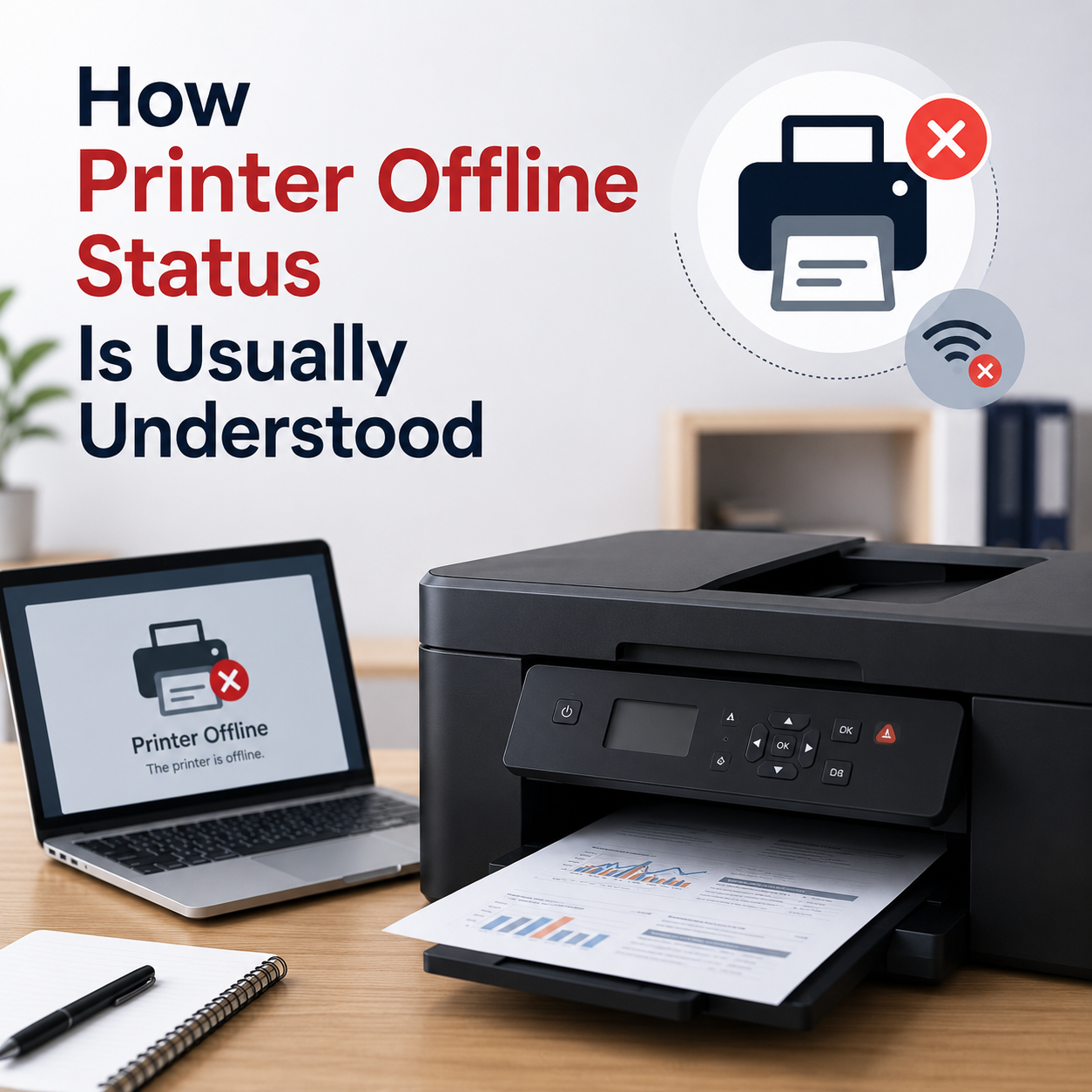
Understand why printers show an offline status, how wireless connections work, and which network details are important.
Learn how print jobs move through a queue, what the Windows spooler does, and why printing requests may remain pending.
Explore the role of printer drivers, device compatibility, USB connections, and printer communication.
Understand common causes of blank pages, cartridge concerns, printhead behavior, and output-quality differences.
These topics are provided for general educational understanding and do not represent a device-specific diagnosis.
Discover independent learning resources about printer connections, drivers, printing processes, device settings and everyday printer behavior.
Connectivity
Understand why printers may show an offline status, how wireless connections work, and which network details are important.
Windows Service
Learn how print jobs move through a queue, what the Windows Print Spooler does, and why printing requests may remain pending.
Understand how printer drivers, INF files and virtual USB ports relate to operating-system and printer communication.
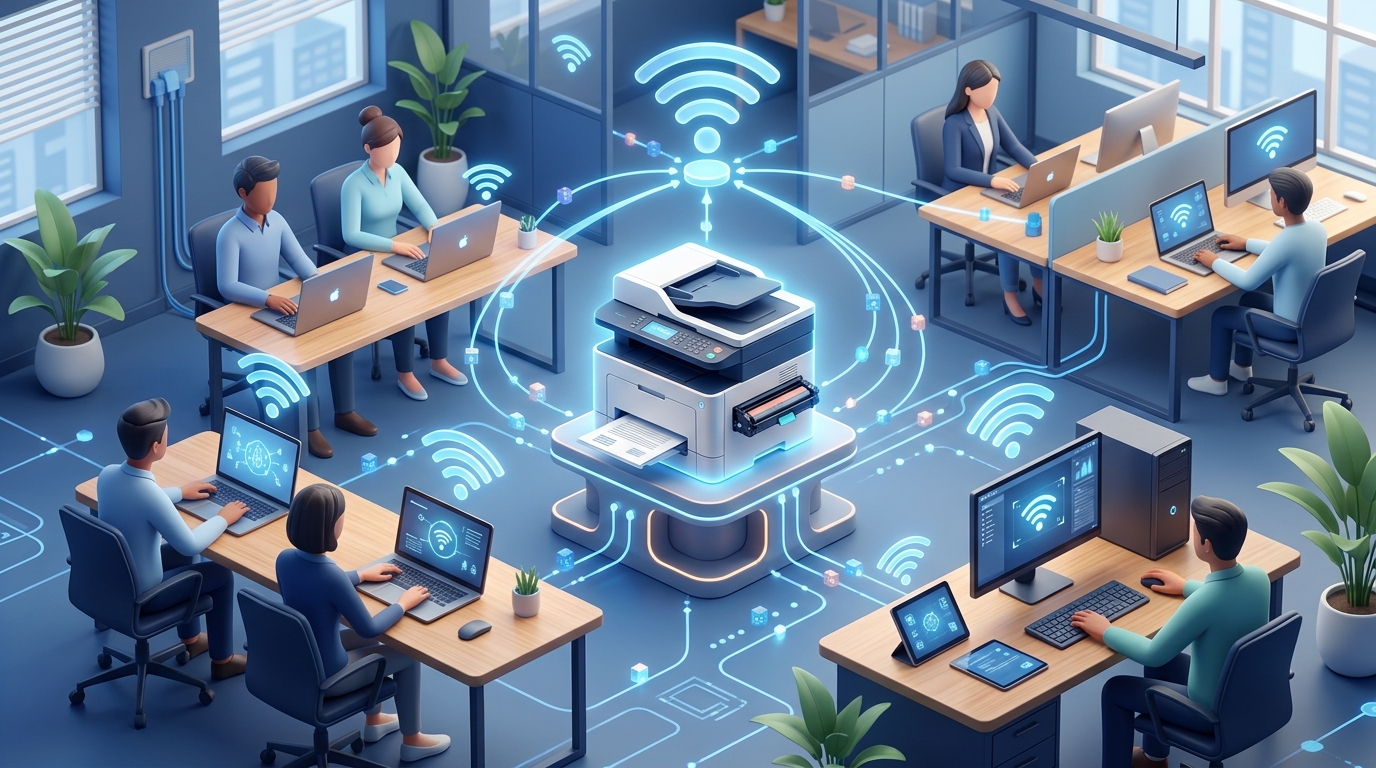
Learn the basics of wireless printer connectivity, local routers, IP addresses and sharing across home computers.
Explore printhead behavior, cartridge components and common reasons for blank or incomplete printed pages.
Understand factory defaults, printer memory and the effects of common network-configuration reset options.
Understand Device Manager symbols, Code 28 notifications and the role of hardware identification in Windows.
Learn how USB printer connections, host controllers and virtual printer ports support device communication.
Independent educational resources designed to make printer concepts easier to understand.
Discover a simpler way to learn about printer connections, settings and common device topics, one clear explanation at a time.
Browse All Printer GuidesStart with the subject you want to understand, such as offline status, wireless connections, print queues or printer driver basics.
Read straightforward explanations about printer features, operating-system settings and common device behavior, with visual examples where available.
Revisit important information, understand what different printer indicators mean and continue exploring related educational articles.
Our printer articles explain general concepts for educational purposes and do not provide device-specific technical services.
Explore educational reading about printer behavior, connectivity, device settings, and everyday printing concepts.
FEATURED ARTICLE
Understand printer offline status in Windows, common connection indicators, and how Windows communicates with printing devices.
Explore power cycles, printer memory and what different factory reset options can change.
Read Article
Learn about printhead nozzles, cartridge components and common causes of blank printed pages.
Read Article
Learn how network printer sharing, local connections and shared Windows print queues work.
Read ArticleFind straightforward answers about our educational resources, printer topics and how the knowrise learning library works.
Explore the complete learning library for in-depth printer articles.
Browse Printer GuidesNo. knowrise is an independent educational website. We publish informational articles about printer concepts and common device behavior. We do not provide phone support, remote desktop assistance, paid driver software or repair services.
Reference: Windows driver architecture — Microsoft LearnOur library explains printer offline status, print queues, printer drivers, USB ports, wireless connectivity, local network sharing, blank page output and factory settings.
Reference: Add or install a printer in Windows — Microsoft SupportAn offline indicator can appear when the computer cannot communicate with a printer. Possible factors include disconnected network paths, USB connectivity, printer power states, paused queues or status communication differences.
Reference: Windows printer information — Microsoft SupportThe Windows Print Spooler manages print requests and coordinates queued jobs before they reach a printing device. Understanding this process can help explain why a document may remain pending in a print queue.
Reference: Print Spooler service information — Microsoft LearnNo. Our educational articles are available without a paid subscription. knowrise does not require remote access tools or paid driver downloads to read its learning resources.